Field Execution & Efficiency
Configure proof requirements at system, customer, task, and individual item level. Build forms with conditional logic that adapts to job type. Guide every technician, engineer, and driver through step-by-step workflows. Every action is recorded, time-stamped, and geo-verified - before they leave site.
Paper forms, basic apps, and unguided workflows create compliance gaps, billing disputes, and costly rework.
Build forms with a drag-and-drop editor using 20+ field types - dropdowns, checkboxes, photo and file uploads, star ratings, sliders, date ranges, regex-validated inputs, and more. Conditional logic shows the right fields for each job. Every submission is structured, searchable data - accessible via the UI, CSV export, or API.
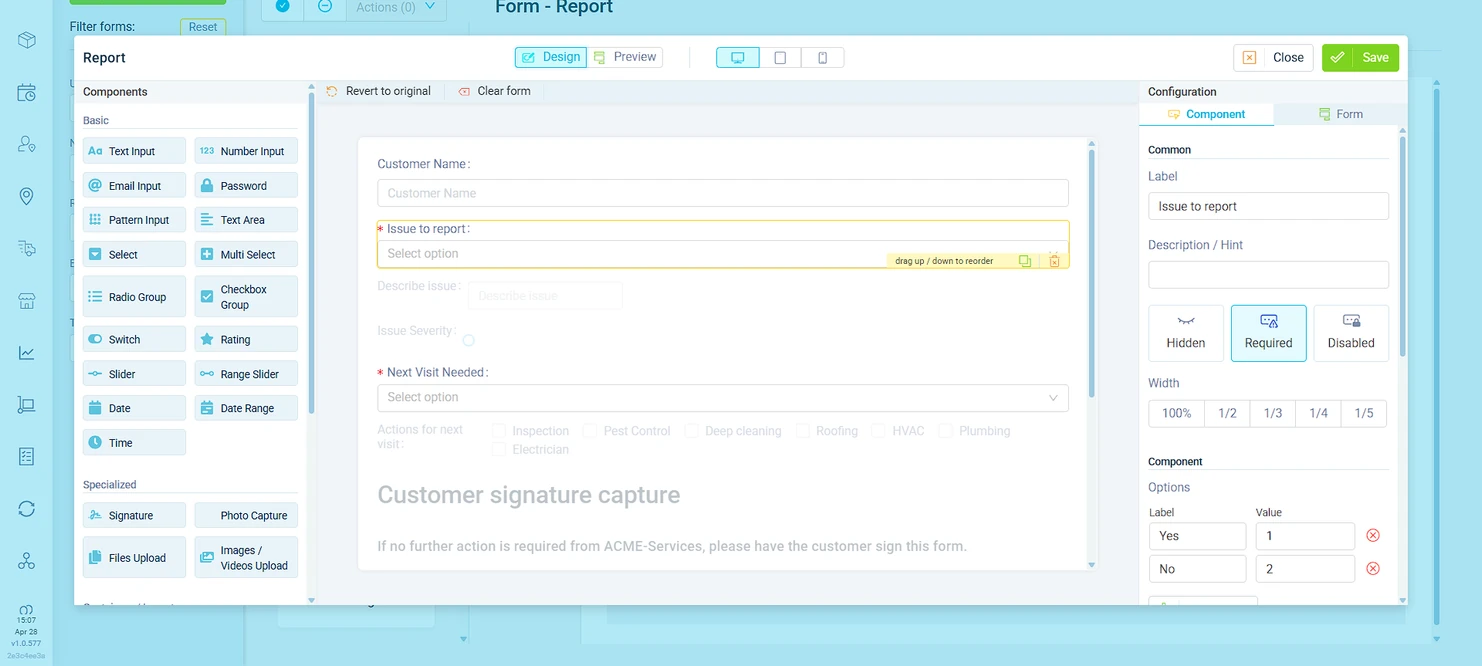
System-level defaults. Customer-level overrides. Task-level specifics. Item-level granularity. Each level inherits from the one above and can override it - so a hospital client can require OTP verification without changing anything else in your system.
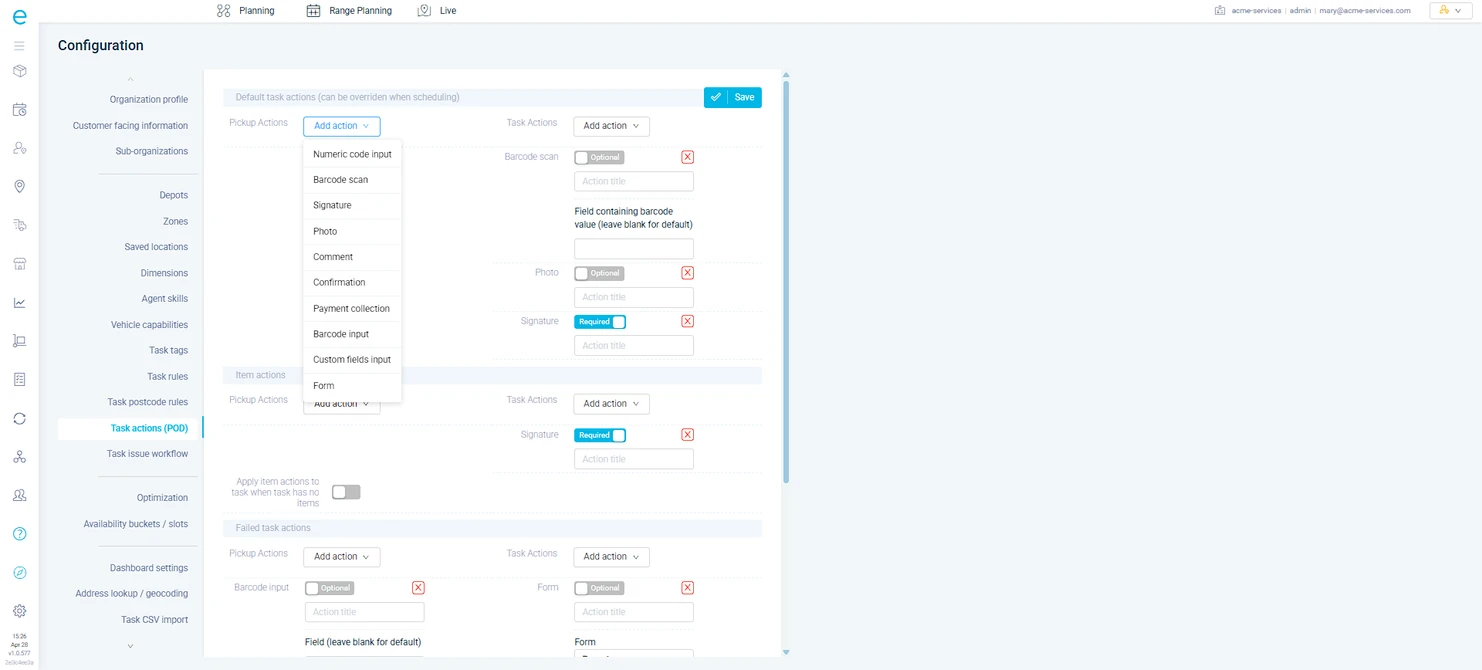
Guided workflows walk every technician, engineer, and driver through the correct process for each job type. Every action is prompted, recorded, and geo-verified. The rules engine triggers follow-up tasks automatically based on field data.
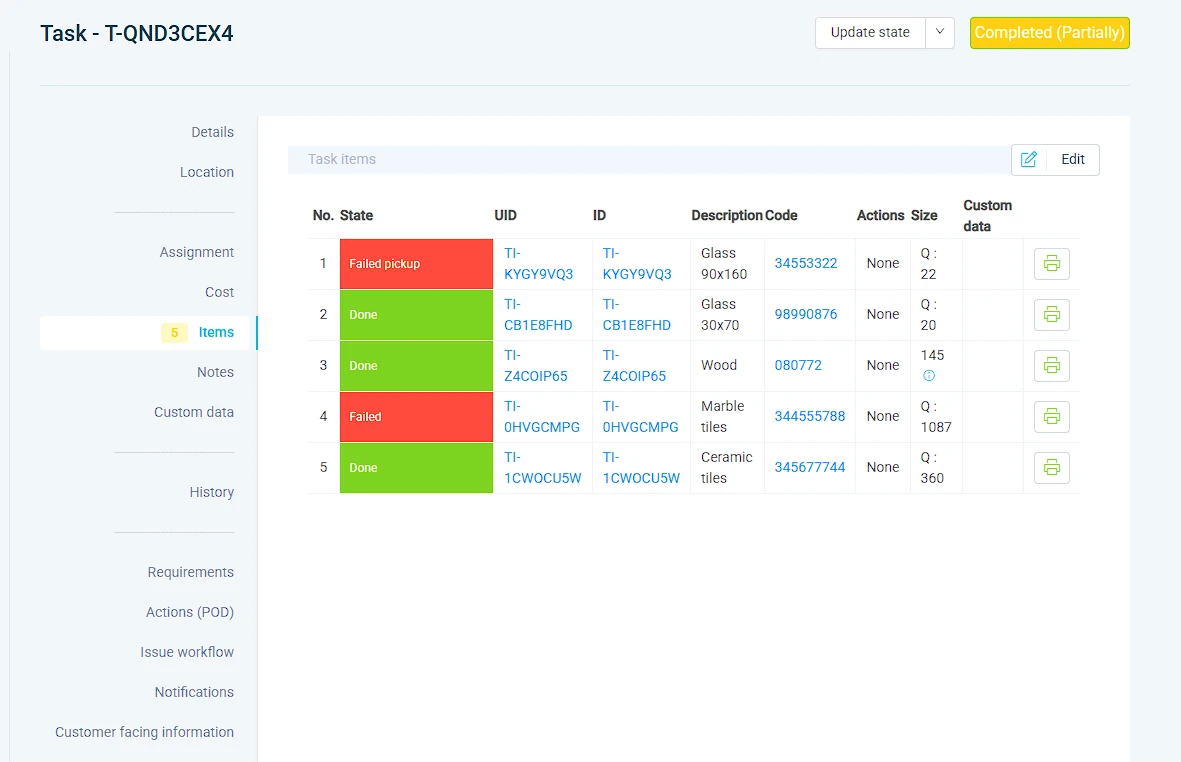
Barcode and QR code scanning built directly into job workflows. Verify deliveries against manifests. Track asset serial numbers and service history. Every scan is geo-tagged and time-stamped.
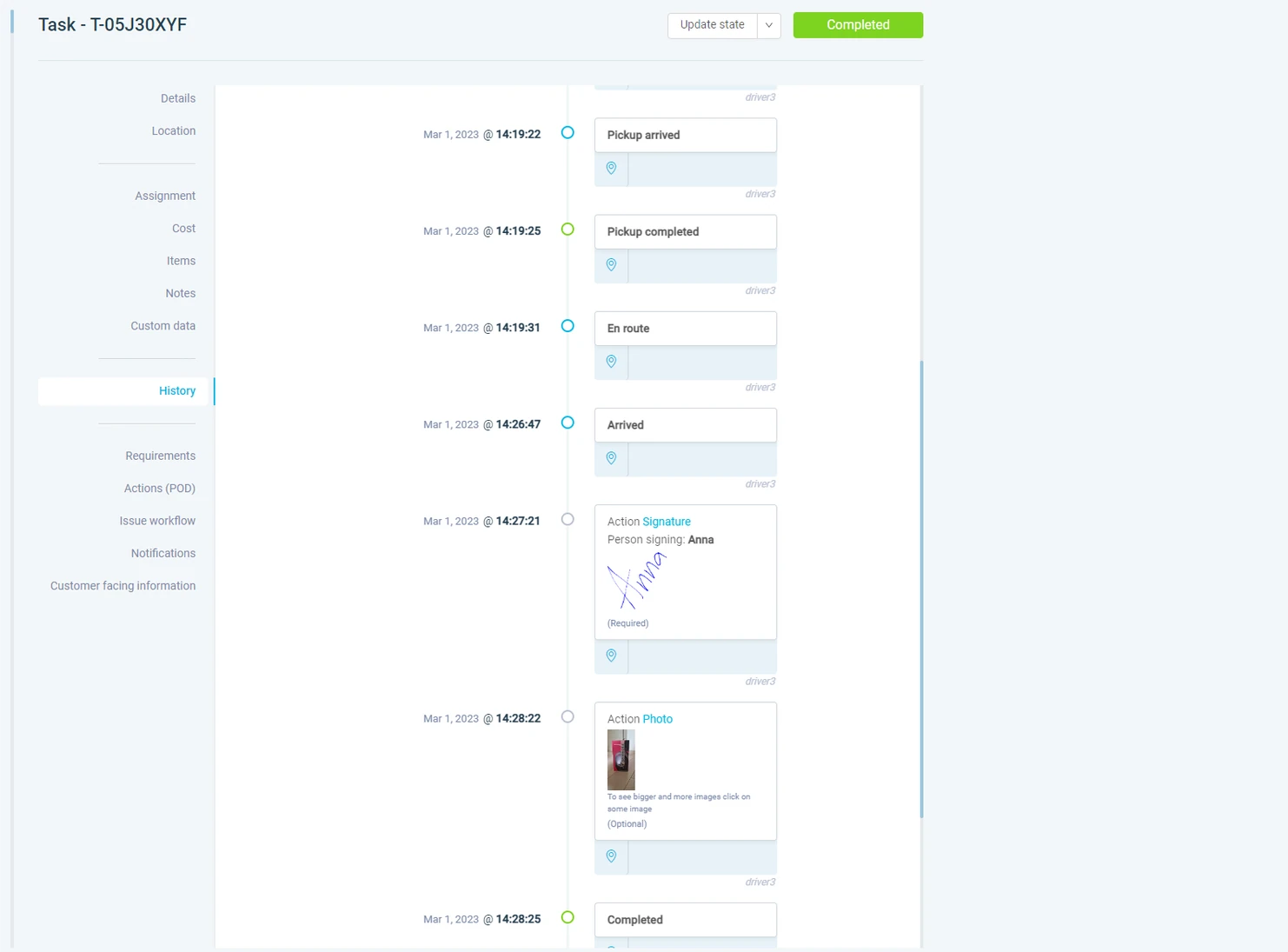
Operations that digitize field workflows with eLogii see results immediately.
Scan barcodes using the mobile app camera or connected Zebra devices. Supports 12 formats including QR and Code 128.
Track individual items within multi-item tasks with full chain-of-custody visibility and partial delivery recording.
Define exactly what proof is required per task type: photos, signatures, barcodes, forms, or payment confirmations.
Configure which fields appear on each task card, in what order, with visibility settings per role or job type.
Build custom digital forms with a visual editor. Text, number, dropdown, checkbox, date, and photo fields.
Define break windows, shift patterns, and schedule exceptions. The optimizer plans around real availability.
Click-to-call from the dashboard with masked numbers. Keep personal phone numbers private on both sides.
Predefined failure reasons trigger automatic retry, return-to-depot, reschedule, or escalation workflows.
Strict sequence, driver-reorderable, or fully flexible. Drivers drag-and-drop to reorder stops in real time.
Auto-arrival when GPS enters the boundary. Optionally prevent task updates until the driver is physically on site.
Agents create their own tasks from the mobile app. Field service mode simplifies to destination-only entry.
Add notes and attach files to tasks, drivers, vehicles, and customer records. Syncs instantly to the field.
Upload pre-taken photos from device gallery during POD or form actions. Preserves original timestamps.
Different skill sets per driver per day of the week. The optimizer matches tasks to daily capabilities.
Transfer tasks between drivers mid-route with full context. Notes, photos, and POD requirements carry over.
Digital start-of-day and end-of-day checklists. Locked after completion for tamper-proof compliance records.
Drivers select their vehicle each morning. Capacity, dimensions, speed profiles, and costs feed the optimizer.
Route-sequenced picking lists and loading sequences. Reverse-delivery-order loading for efficient unloading.
"We needed to have full control of our transport and furthermore we wanted an easy way to be able to review the plan for a day and be sure that things were efficient. That vehicles were travelling out full, but that windows were also going to be hit and the customer always satisfied. This kind of visibility and control is vital for our operations."

Head of International Operations, Porcelanosa
Execution without guesswork
We will walk you through a live configuration - setting up POD requirements at system, customer, task, and item level, with rules that trigger follow-up actions based on field data.
