PLANNING & SCHEDULING
 Click to zoom
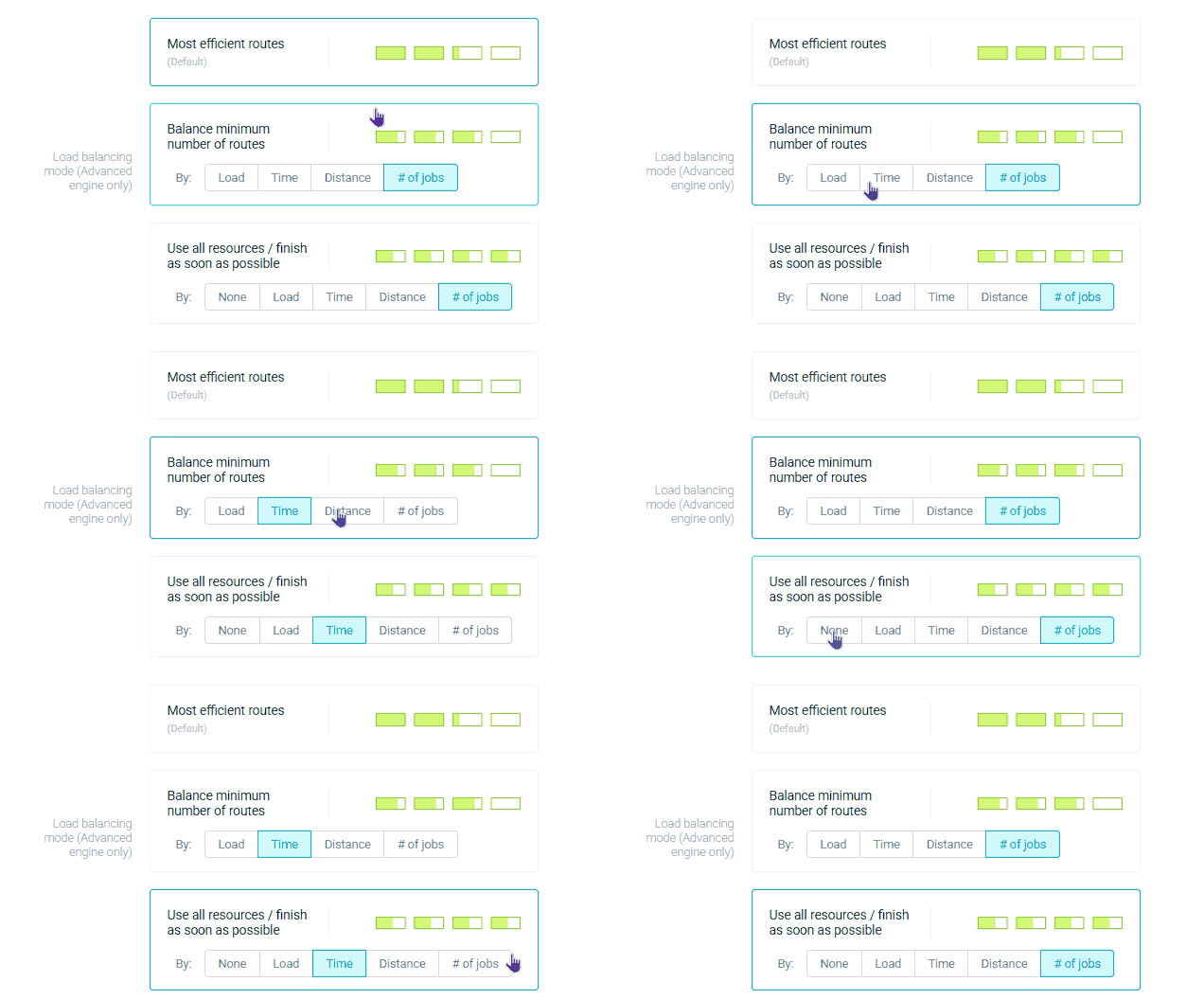
When one operative has 40 stops and another has 15, you have an overtime problem and a morale problem. Workload balancing gives you three modes: most efficient route to minimise vehicles used, balanced distribution to even out workloads, or use all resources to spread tasks across every available operative and finish as soon as possible. A courier operation can balance by job count so every van carries a similar number of parcels. Grocery distributors can balance by load so the heaviest and lightest routes are equalised by vehicle capacity. For ecommerce fulfilment operators, balancing by time ensures operatives finish within similar schedule windows. Wholesale distributors can choose most efficient route during peak demand, filling each vehicle to capacity before adding another.
Nobody wants to be the technician with 12 jobs while a colleague has 6. Workload balancing ensures fair distribution across your field team using one of three modes. HVAC companies can balance by time so every engineer works similar hours across the day. Pest control operators can balance by job count or distance depending on whether urban density or rural spread is the bigger factor. Electrical contractors needing to clear a backlog fast can switch to use-all-resources mode to spread work across every available operative and finish as soon as possible. For facilities management teams, balancing by distance keeps travel time consistent so no one operative is driving twice as far as the rest.
Balancing only works if headcount is right in the first place. Not sure your team is sized correctly? Try the free headcount capacity calculator to check.
GET STARTED
Book a personalized demo and see how eLogii's 84 features work together to transform your field operations.
