PLANNING & SCHEDULING
 Click to zoom
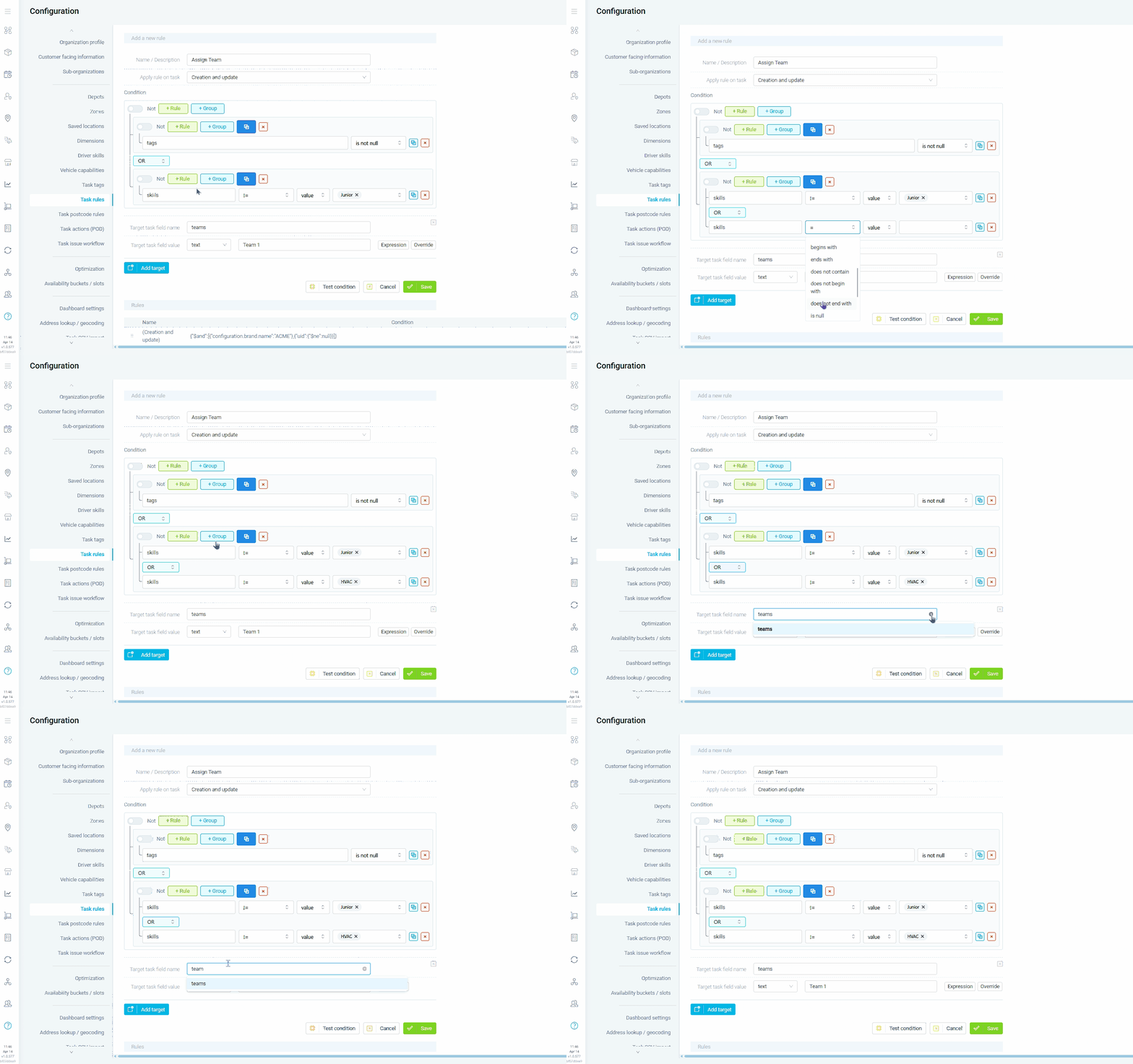
Every distribution operation has routing logic that lives in someone's head. Premium customers always go on the morning run. Chilled goods never share a vehicle with chemicals. Fragile items get the experienced driver. A rules engine turns that tribal knowledge into automated if-then logic that runs every time a task is created or updated. Grocery distributors can auto-assign temperature-sensitive orders to refrigerated vehicles without a dispatcher manually checking every job. Courier companies can set rules that flag high-value parcels for signature-required proof of delivery. Building materials operators can automatically route heavy loads to vehicles with tail lifts and experienced drivers.
Field service operations run on business rules that dispatchers enforce manually and inconsistently. An emergency boiler repair should always get top priority. Gas work must only go to Gas Safe registered engineers. Jobs in a school require a DBS-checked technician. A rules engine automates all of this so every task gets the right treatment without someone remembering to check. HVAC companies can auto-assign skills based on job type so boiler repairs only go to boiler-certified engineers. Pest control businesses can set rules that flag commercial kitchen jobs for the specialist team. Electrical contractors can automatically escalate any job tagged as safety-critical to a senior engineer with the right accreditation.
GET STARTED
Book a personalized demo and see how eLogii's 84 features work together to transform your field operations.
