PLANNING & SCHEDULING
 Click to zoom
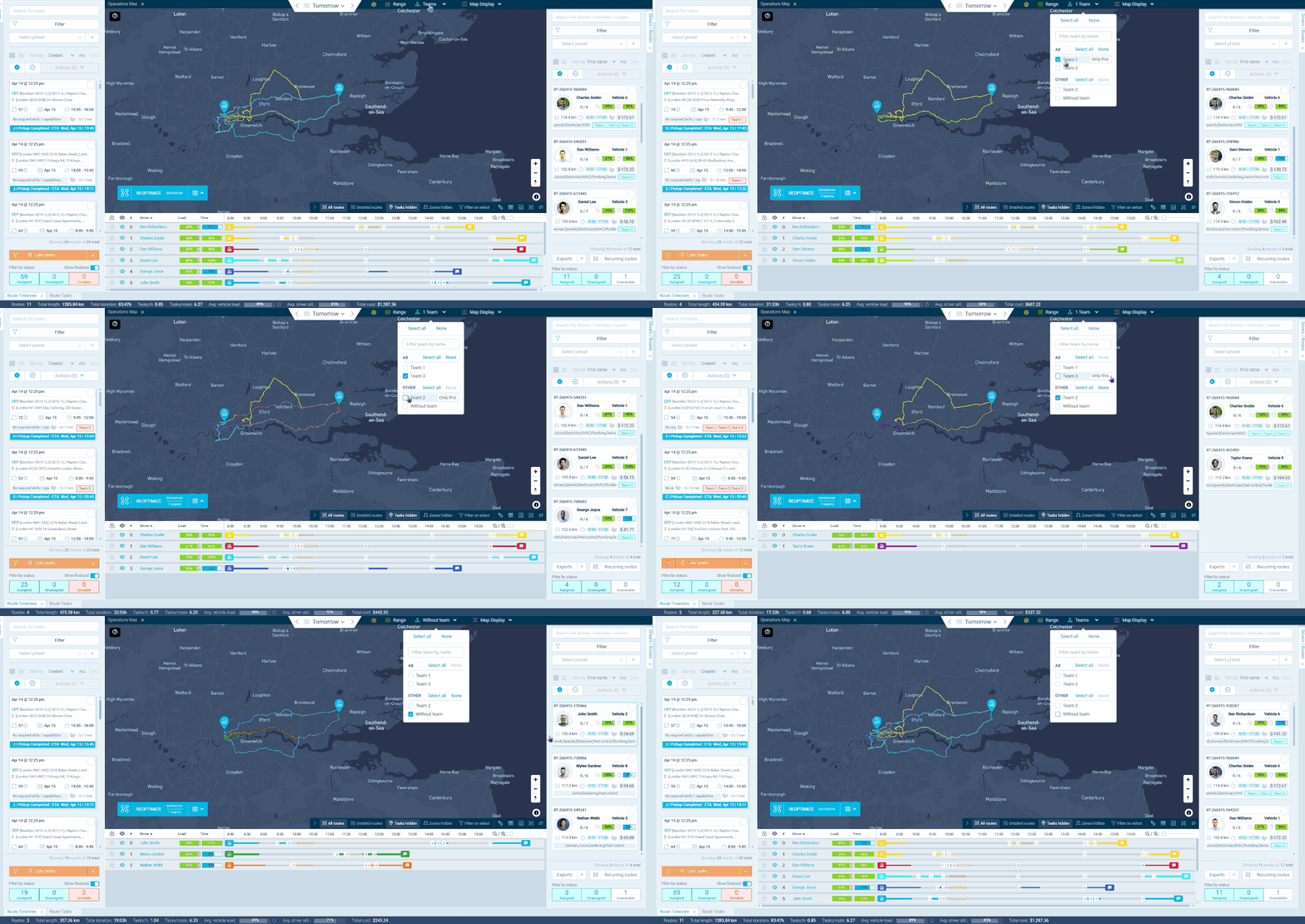
A 3PL running same-day, next-day, and weekly delivery services can split operatives into separate teams so each group has its own task pool and capacity. Teams group operatives and users into logical units: your London same-day couriers never see next-day suburban routes, and your Midlands warehousing crew only gets tasks assigned to their region. Customers can be linked to specific teams so future orders automatically route to the right group. Wholesale distributors with regional sales territories get team-based dispatch that ensures orders are served by the local fleet without manual territory management. For courier networks, team groups let you organise by department, function, or manager so filtering thousands of operatives stays manageable.
A national HVAC company can organise technicians into regional teams: South East, Midlands, North West, Scotland. Each team gets its own dispatching view, roster, and task pool. Facilities management companies with specialist teams (electrical, plumbing, general maintenance) can group by skill rather than geography. Pest control businesses scaling across multiple regions can assign customers to teams so recurring visits always go to the local crew. For telecoms providers running both installation and maintenance crews, team separation keeps workstreams independent while sharing the same dashboard. Users assigned to a single team only see that team's tasks and operatives, giving managers a focused view without information overload.
GET STARTED
Book a personalized demo and see how eLogii's 84 features work together to transform your field operations.
