CUSTOMER COMMUNICATIONS & EXPERIENCE
 Click to zoom
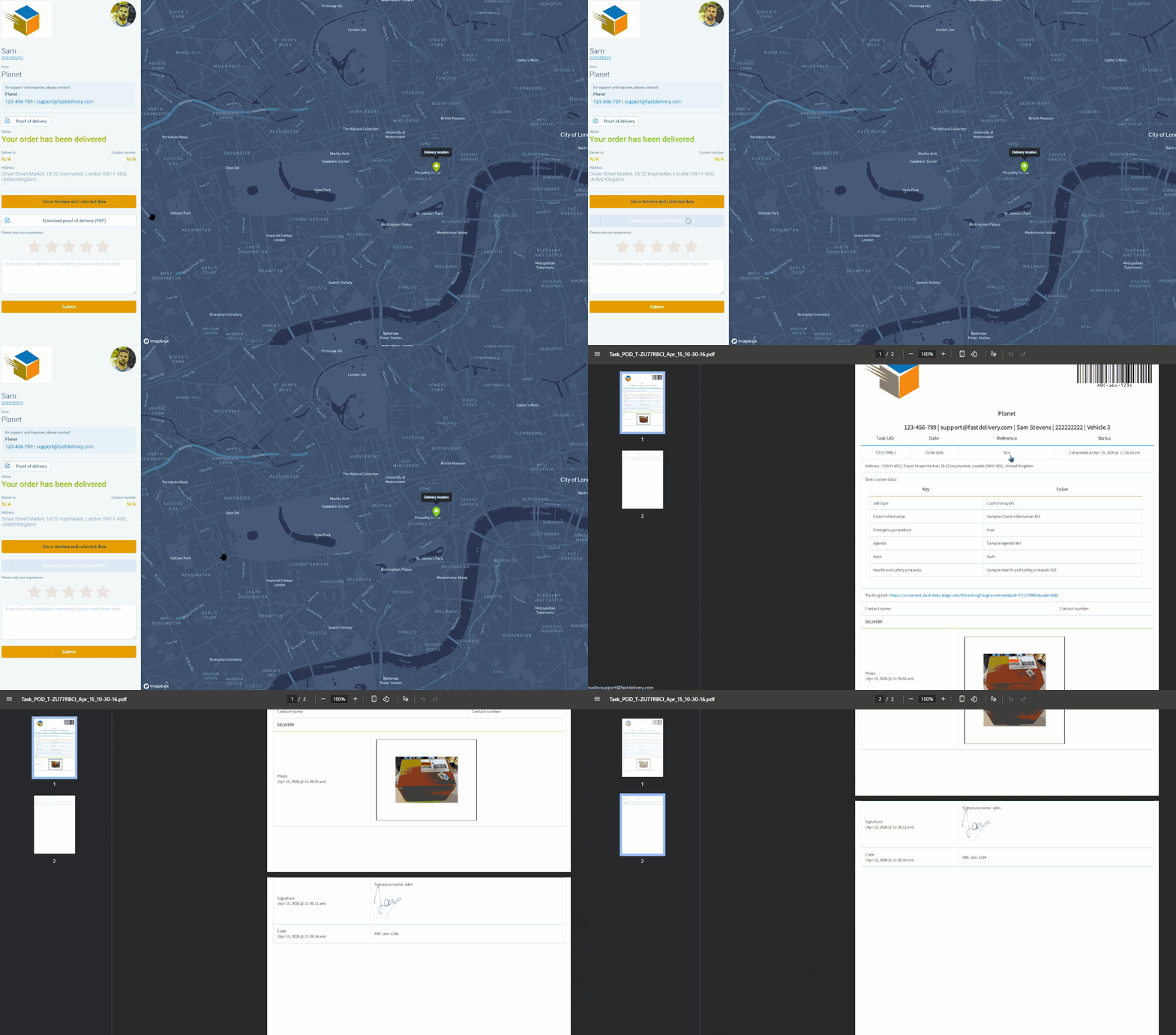
Your customer's accounts department needs a signed POD to process the invoice. Instead of your team manually emailing documents, let customers download the proof-of-delivery PDF themselves directly from the tracking page. The PDF includes the POD data captured by the driver - photos, signatures, barcodes, custom fields, and form data. You can configure whether pickup information is included or hidden from the customer-facing POD document. Courier operations serving enterprise accounts can let procurement teams self-serve without raising support tickets. Grocery distributors can make delivery confirmation documents available immediately after task completion. For wholesale distributors, self-service POD downloads mean accounts teams get what they need without chasing your office.
A facilities management client needs proof that the quarterly fire alarm test was completed across all 30 buildings for their insurance records. POD download lets them pull those documents themselves from the tracking page as a PDF. The download includes whatever POD data your operatives captured in the field - photos, signatures, custom field input, and completed digital forms. HVAC companies can make gas safety records available to customers immediately after the inspection. Pest control businesses can let clients download treatment reports with the data captured through custom forms. For electrical contractors, customers can download completion records containing the photos, signatures, and form data your engineers collected on site.
GET STARTED
Book a personalized demo and see how eLogii's 84 features work together to transform your field operations.
