CUSTOMER COMMUNICATIONS & EXPERIENCE
 Click to zoom
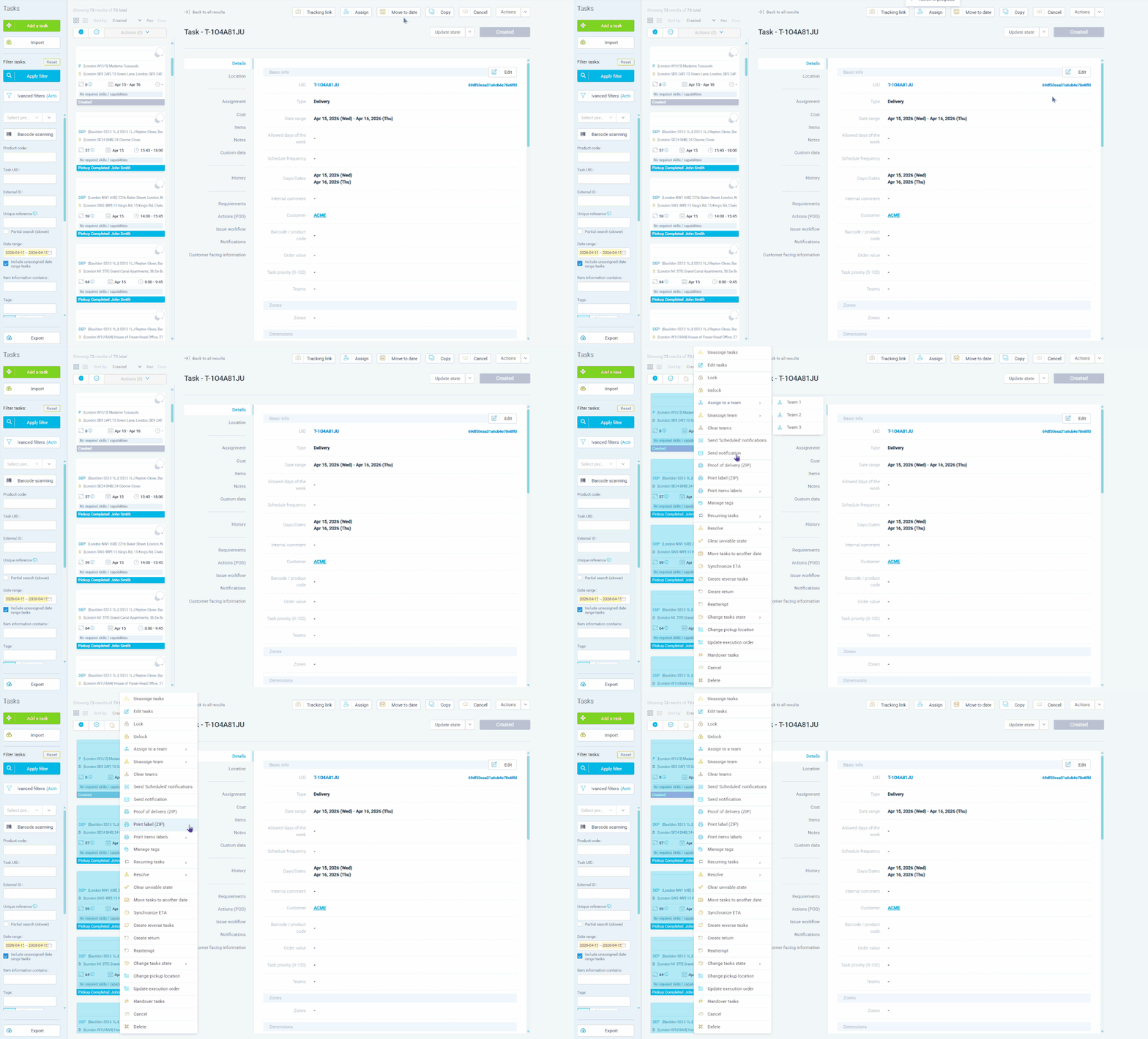
After routes are optimized, your warehouse team needs labels printed and ready before the first van leaves. eLogii generates task labels individually or in batch as downloadable PDFs, with configurable label formats (A6 or 720mm x 360mm), barcodes (Code39, Code128, or QR), delivery instructions, cash-on-delivery amounts, and custom fields. Each task item can have its own barcode, and item-level labels can be batch-printed as a PDF or ZIP file. Ecommerce fulfilment operations can print labels for an entire route in one action, with barcodes generated automatically from task UIDs. Grocery distributors can include item quantities and delivery instructions on every label. For wholesale distributors, batch label printing with route-filtered selection speeds up warehouse sorting and loading.
Field service businesses need structured proof that work was completed. eLogii captures proof of service through the driver app - photos, signatures, barcodes, custom field input, and configurable digital forms - stored against each task at both pickup and delivery stages. POD actions can be set as optional or required, and configured at three levels: system-wide defaults, per-customer overrides, and individual task overrides. Multiple POD actions of the same type can be assigned to a single task (e.g. a "before" photo and an "after" photo with custom action names). HVAC companies can require gas safety certificate photos and customer signatures before a job can be closed. Pest control operators can capture treatment records through custom forms. POD data is retrievable via the API for integration with back-office systems, and customers can download a POD PDF directly from the tracking page.
GET STARTED
Book a personalized demo and see how eLogii's 84 features work together to transform your field operations.
