CUSTOMER COMMUNICATIONS & EXPERIENCE
 Click to zoom
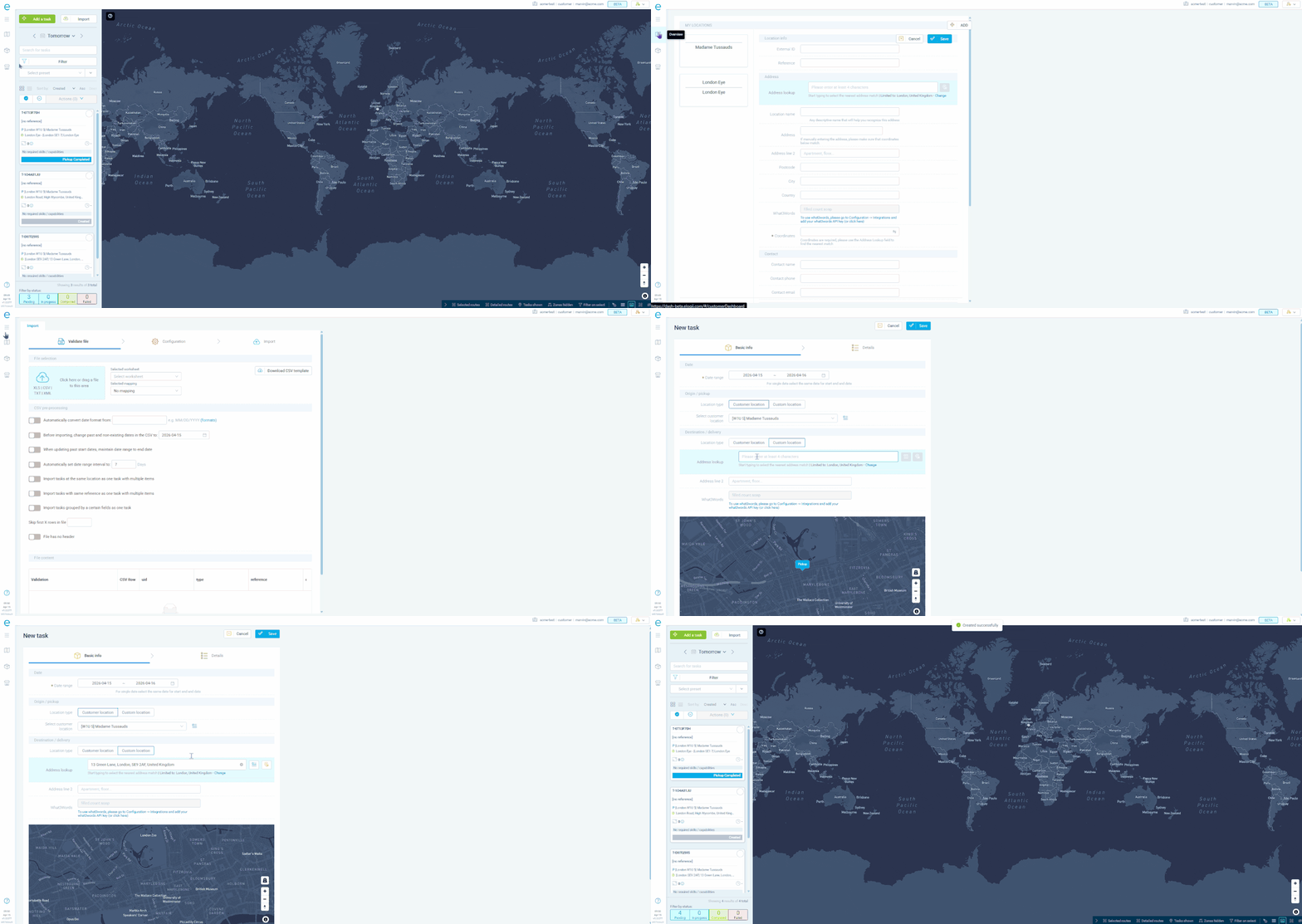
Your largest accounts should not need to email or phone every time they want to place an order. The Customer Dashboard gives B2B clients their own login where they can create tasks, import orders in bulk via CSV, set delivery date ranges and preferred time windows, and track task progress with live ETAs. Food and beverage distributors serving restaurant chains can give each location manager their own dashboard access. Courier operations can offer self-service scheduling that feeds directly into the optimization engine. Wholesale distributors can let clients export task history and review completed deliveries across all their sites.
Enterprise facility management clients managing dozens of service locations want visibility without calling your office. The Customer Dashboard lets them create service requests, import jobs via CSV, track technician progress with live ETAs, and review task history across all their sites. HVAC companies serving property management firms can give each portfolio manager access to their buildings' service schedules. Pest control businesses with national retail contracts can let each store manager see upcoming inspections and past task history. For telecoms providers, enterprise clients can log faults, track engineer dispatch, and view completion records through a single branded interface.
GET STARTED
Book a personalized demo and see how eLogii's 84 features work together to transform your field operations.
