INTEGRATIONS & API
 Click to zoom
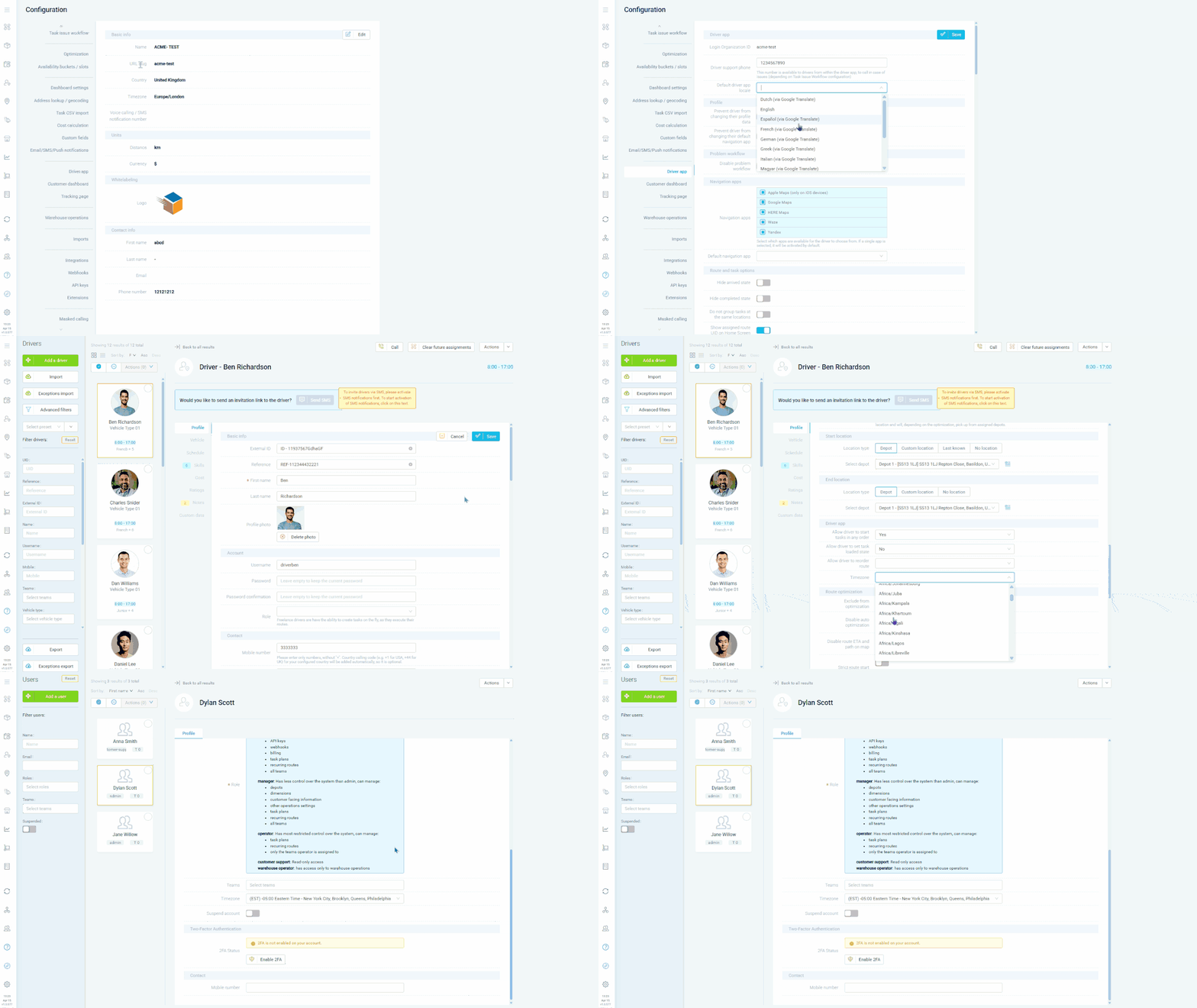
A distribution network operating across regions needs timezone-aware scheduling so delivery windows and ETAs display correctly. Timezone is configured at Configuration, Organisation Profile, ensuring all times are aligned. The dashboard is available in multiple languages so each dispatcher works in their preferred language, selectable by clicking the arrow next to their email in the top-right corner. Courier networks spanning regions can manage operations with per-user language preferences. Distance units and currency are also configurable at Organisation Profile. For international wholesale distributors, customer notification templates can be set per customer, allowing recipients to receive communications localised to their preferences.
A field service company operating across regions needs schedules displayed in the correct timezone. Timezone is configured at Configuration, Organisation Profile as a mandatory setup step, ensuring ETAs and appointment times are accurate. Drivers change their app language at Menu, My Profile. HVAC companies with multilingual technician teams can have each driver use the app in their preferred language. Pest control businesses operating in multiple regions benefit from per-user dashboard language selection. For facilities management companies serving international clients, notification templates can be configured per customer so on-site staff receive communications in their local language. Distance units and currency are also configurable at the organisation profile level.
GET STARTED
Book a personalized demo and see how eLogii's 84 features work together to transform your field operations.
