VISIBILITY & ANALYTICS
 Click to zoom
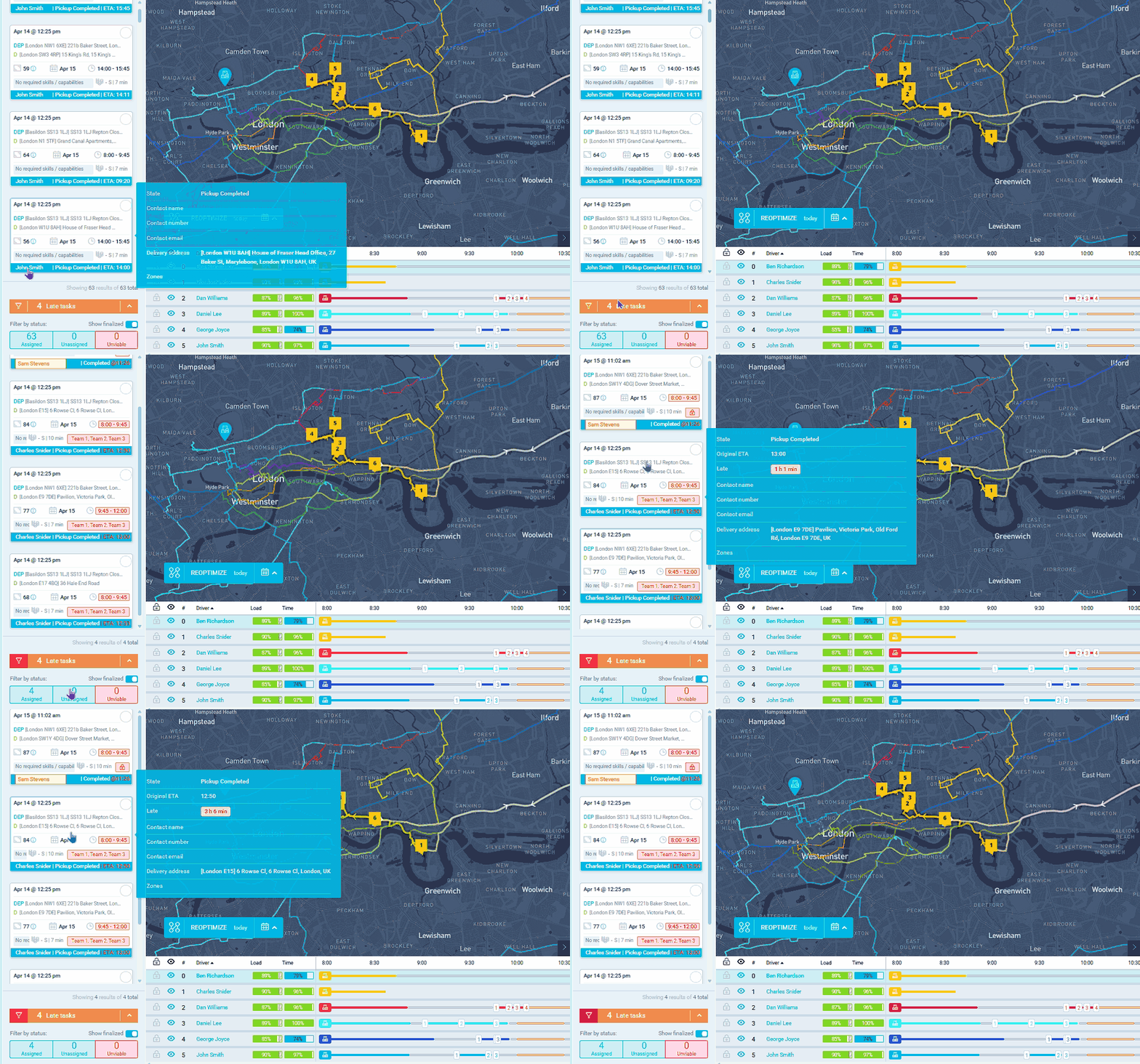
Finding out a delivery is late because the customer calls to complain is always too late. The lateness monitoring panel shows every overdue delivery in real time based on both pickup and delivery time windows. A courier dispatcher can see at a glance what percentage of tasks are late, how many are affected, and the average and maximum lateness across all routes. Grocery distributors can spot immediately when restaurant deliveries are at risk of missing pre-lunch windows. For ecommerce operators, early lateness detection enables proactive customer notifications with updated ETAs, turning what would have been a complaint into a proactive update. Configure the minutes-late threshold in dashboard settings to control when tasks appear on the panel.
When a care home's boiler service is running 40 minutes late in winter, your dispatcher needs to know immediately rather than when the care home manager calls. The lateness panel shows overdue appointments with four key metrics at a glance: percentage of late tasks, total count, average lateness, and maximum lateness. Pest control managers can click the filter icon to isolate only late tasks and focus intervention where it matters most. Electrical contractors can identify when a complex morning job has pushed the entire day's schedule back. For facilities management teams, lateness monitoring against SLA deadlines prevents contract breach penalties. Enable the panel in Configuration, Dashboard Settings, Operations, and set a configurable threshold for how many minutes late a task must be before it appears.
GET STARTED
Book a personalized demo and see how eLogii's 84 features work together to transform your field operations.
