VISIBILITY & ANALYTICS
 Click to zoom
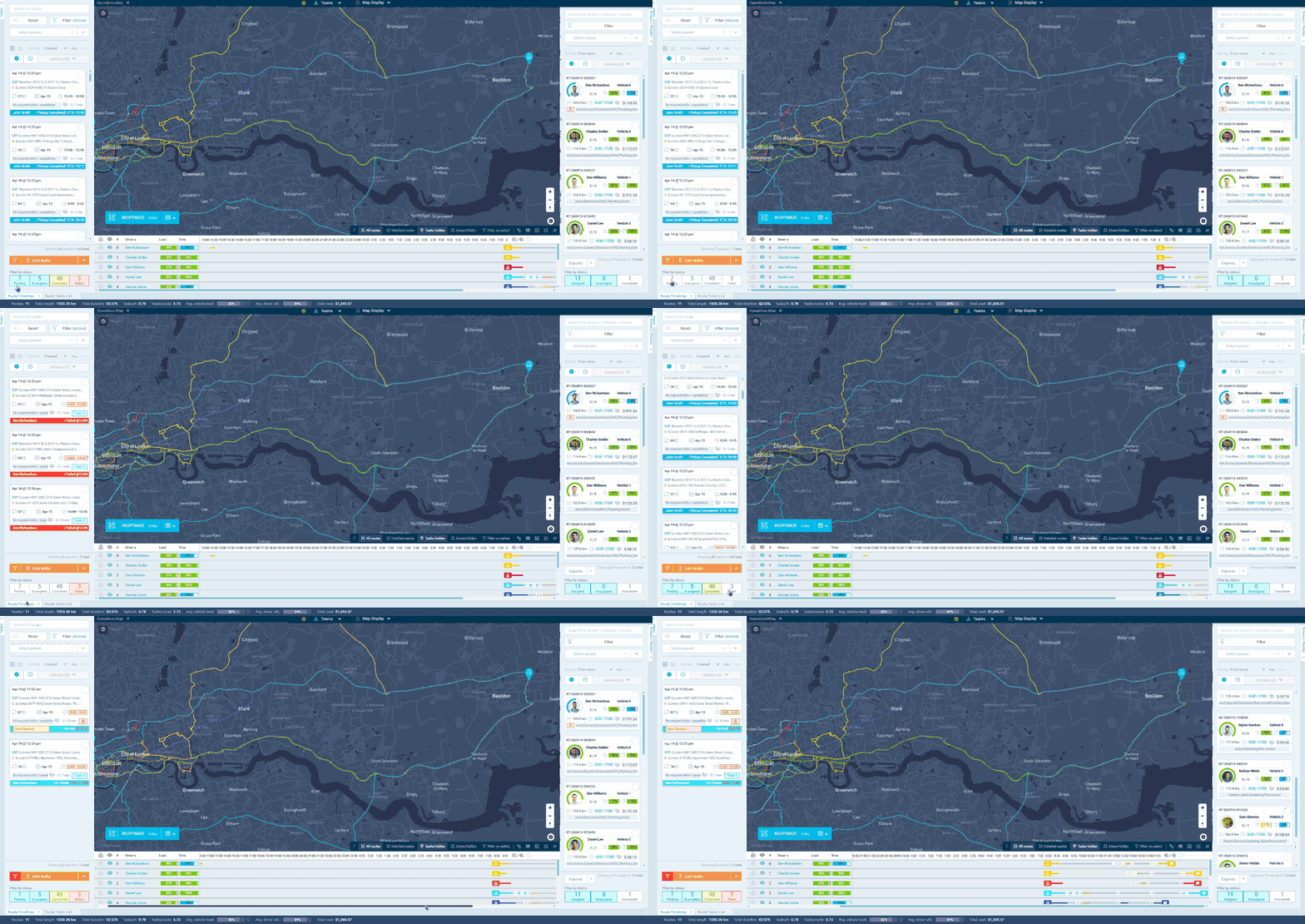
A static ETA set at 7am is wrong by 10am. Live ETA updates recalculate based on actual driver location and traffic conditions. When a courier completes a delivery faster than expected, opening the route recalculates all downstream ETAs. Tasks already marked as completed, failed, or cancelled are excluded from the calculation automatically. Grocery distributors can check accurate arrival times for remaining stops by opening any active route on the dashboard. For ecommerce operators, live ETAs keep tracking pages current with precision rather than vague delivery windows. Wholesale distributors can share updated arrival times with receiving teams so dock doors and unloading crews are ready on time.
When an HVAC technician finishes a job 20 minutes early, opening their route on the dashboard immediately recalculates every subsequent ETA based on current location and traffic. The 3pm appointment might now show 2:40pm. Pest control businesses can check accurate arrival windows that account for the technician's actual position rather than the morning's optimistic plan. Electrical contractors can hover over any stop to see the task name, location, time window, and updated ETA. For plumbing companies, customers watching the tracking page see arrival times that reflect real progress. ETAs recalculate when a route is opened, when tasks are added or removed, and when a route undergoes reoptimisation. Completed, failed, and cancelled tasks are automatically excluded from the calculation.
GET STARTED
Book a personalized demo and see how eLogii's 84 features work together to transform your field operations.
