VISIBILITY & ANALYTICS
 Click to zoom
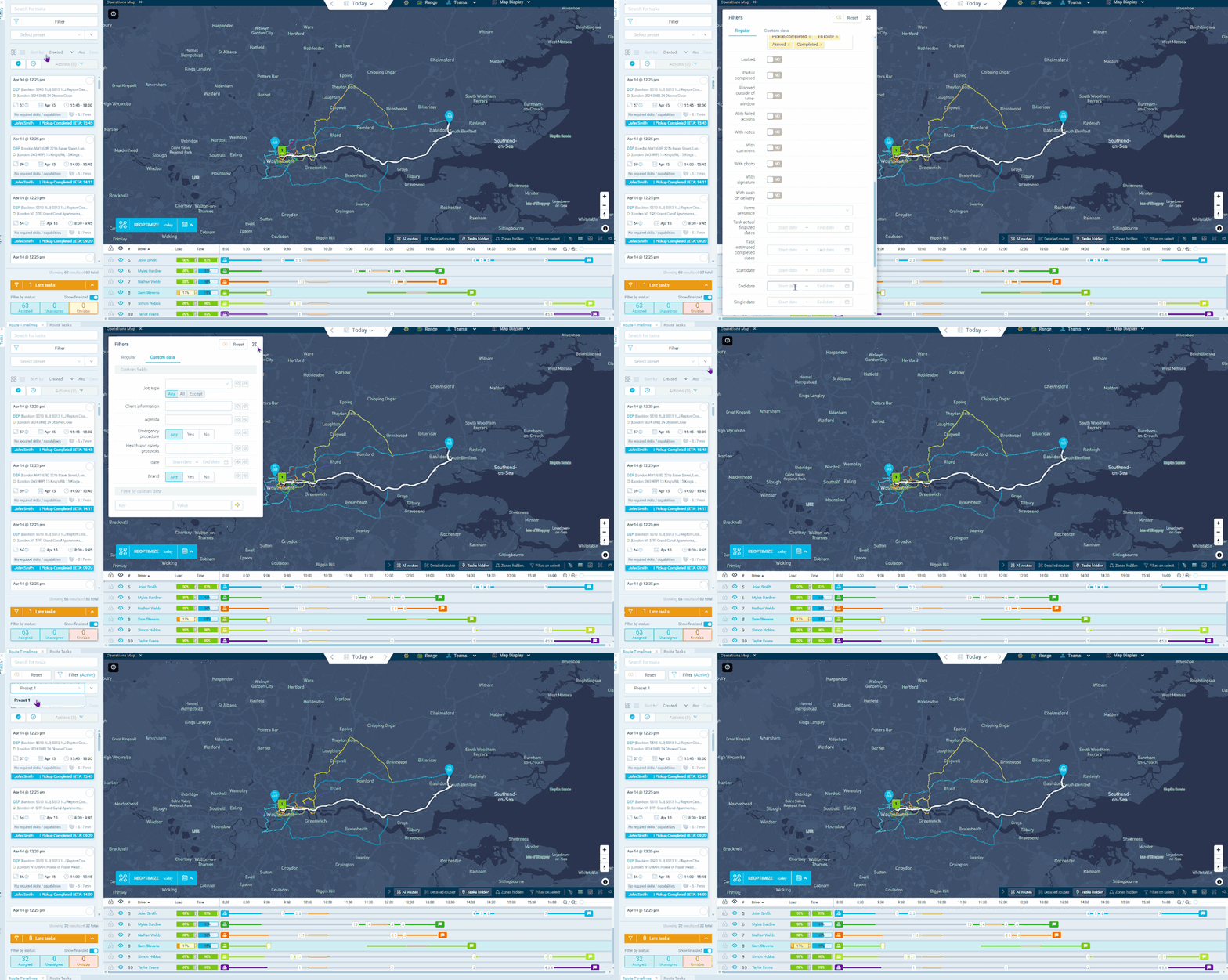
A dispatch manager monitoring 300 active deliveries needs to see different slices of the operation throughout the day: late deliveries only, high-priority orders only, Zone A only. Advanced filters let you cut the data by any combination of task state, zone, priority, skills, time windows, order value, date ranges, and custom data fields. Save those combinations as named presets so "Morning Priority Deliveries" is one click away every day. Courier operations can create presets per service level. Grocery distributors can use custom data fields to filter by temperature class and monitor cold-chain deliveries separately. For wholesale operators, zone-based presets keep regional managers focused on their own territory without rebuilding filters each session.
A service manager overseeing 50 technicians needs different views throughout the day: morning shows all in-progress jobs, afternoon shows incomplete by 3pm, end of day shows failed requiring follow-up. Saved presets apply your filter criteria to current data each time they are selected, making each view one click instead of rebuilding from scratch. HVAC companies can create presets filtering by skills to separate emergency calls from scheduled maintenance. Pest control managers can filter by custom data fields for treatment type or compliance status. For facilities management teams, zone-based presets show only the relevant jobs for each contract area. Electrical contractors can set up presets combining task state and priority so supervisors see only active high-priority jobs in their region.
GET STARTED
Book a personalized demo and see how eLogii's 84 features work together to transform your field operations.
