INTEGRATIONS & API
 Click to zoom
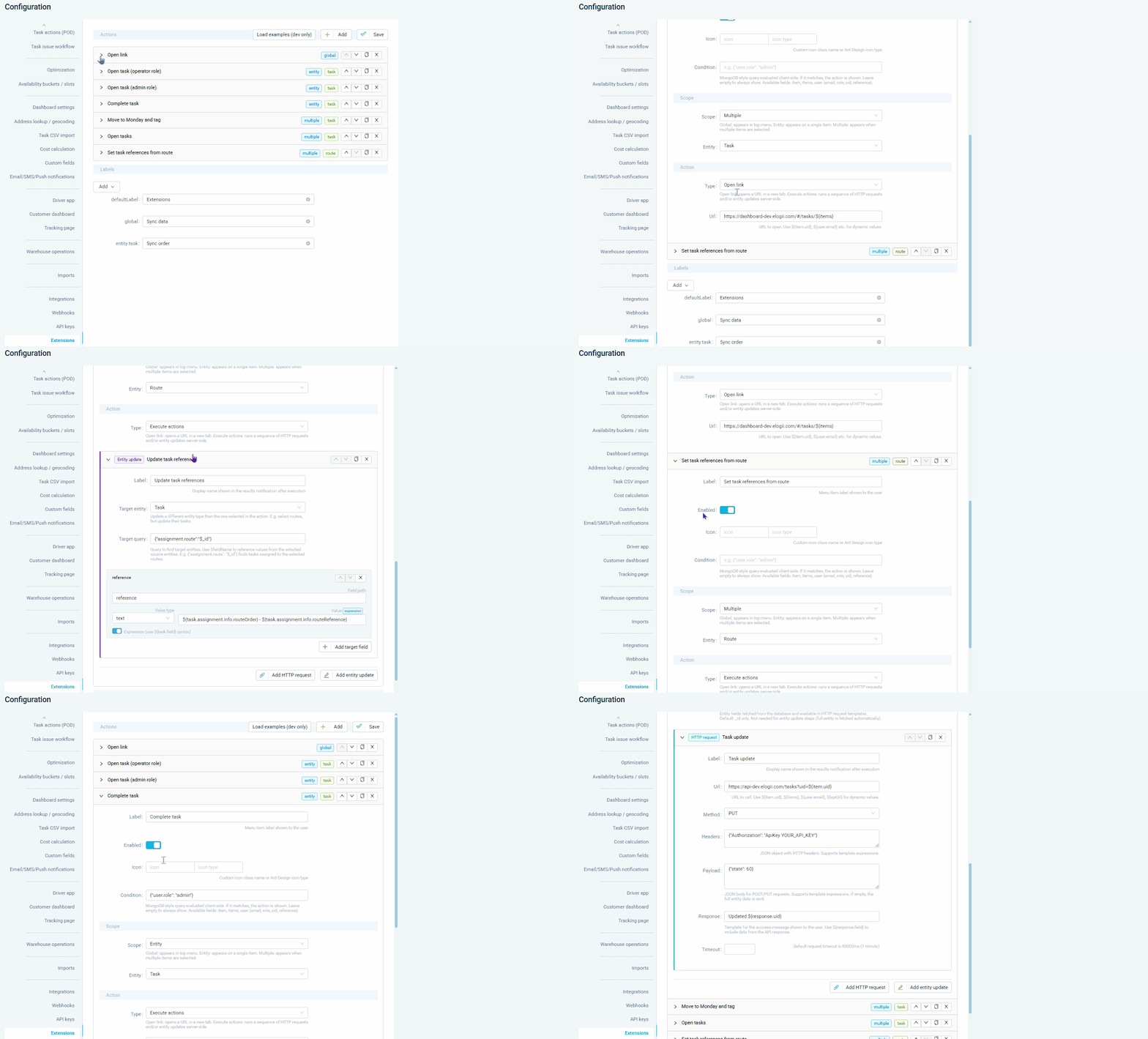
Your dispatcher should not have to switch between five browser tabs to manage a delivery. Dashboard extensions add custom context-menu buttons that link to your WMS, CRM, or client portal with one click. Links can include dynamic variables such as task ID, customer reference, and address so the external system opens pre-filtered to the relevant record. Courier operations can add a link that opens the client's tracking page for any task. Grocery distributors can link to their ERP's order detail page from any task context menu. For ecommerce operators, API call buttons on failed deliveries can trigger refund workflows in external systems directly from the dispatch dashboard without any tab switching.
An HVAC dispatcher needs to check parts availability in the inventory system before confirming a job. A dashboard extension button opens the parts lookup pre-filtered to the required components using dynamic task variables. Pest control managers can add a button that links to the chemical safety database for the relevant treatment. Electrical contractors can integrate a button that calls their certification system for the current job. For facilities management companies, custom buttons link to the client's CMMS for cross-referencing job tickets. Links and API call buttons are configurable per user role or task type so each team sees only the shortcuts relevant to their workflow.
GET STARTED
Book a personalized demo and see how eLogii's 84 features work together to transform your field operations.
