INTEGRATIONS & API
 Click to zoom
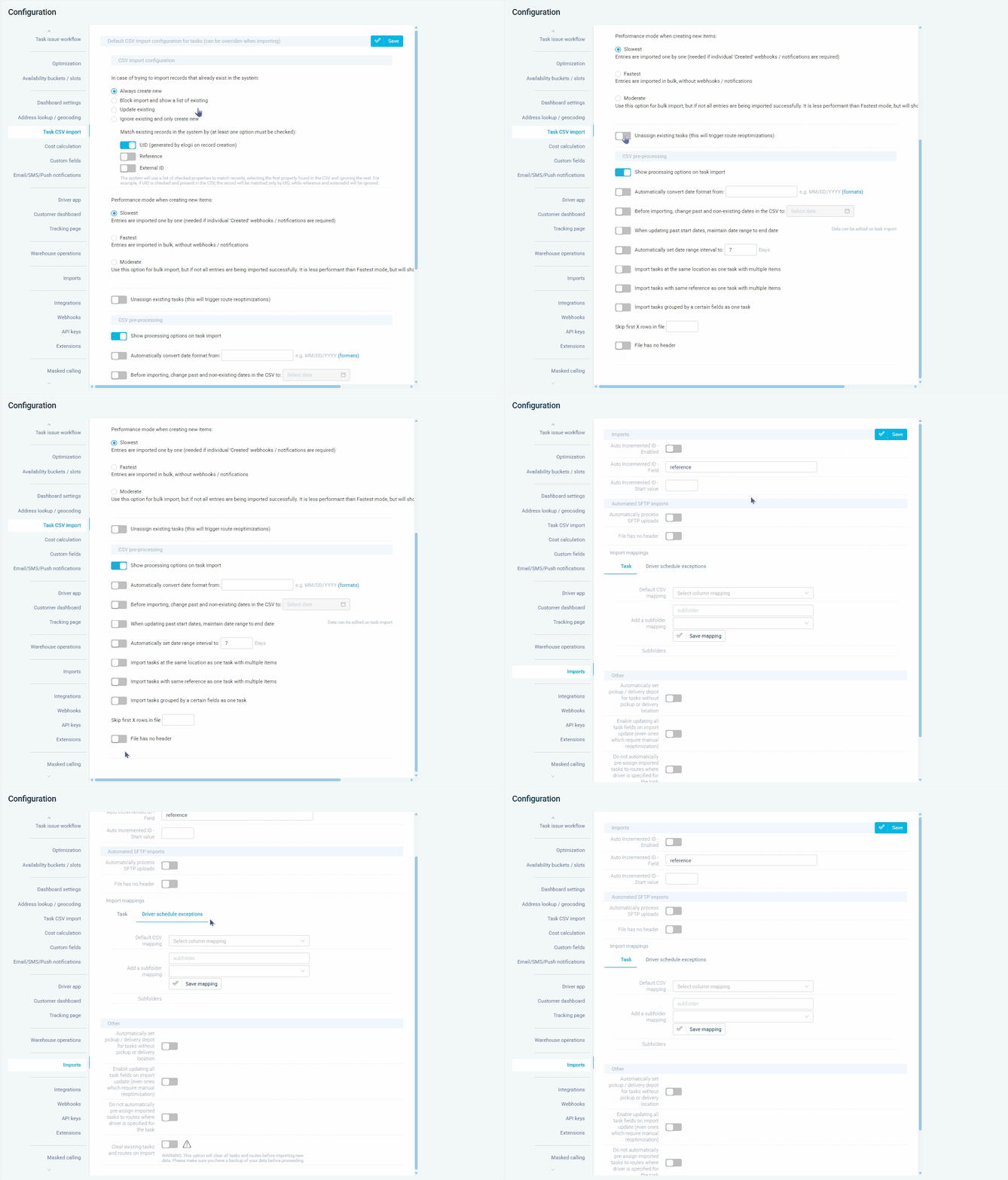
A 3PL receiving order files from 20 different clients needs import rules that handle each one correctly. Advanced import workflows control whether imported tasks create new records, update existing ones via Task UID, Reference, or External ID matching, or are blocked as duplicates. Assign drivers on import using skills-based matching, assigneeUID columns, or driver reference codes. Choose import performance modes: slowest enables per-task webhooks and notifications, fastest does bulk import without them. Courier operations can create saved import presets per client at Configuration, Task CSV Import. Grocery distributors can auto-assign teams using the teams column with comma-separated values. For ecommerce fulfilment, postcode rules at Configuration, Task Postcode Rules auto-assign drivers, teams, depots, or skills based on postal code matching.
A facilities management company receiving job tickets from multiple client systems needs each feed handled differently. Advanced import workflows let you set create, update, or block logic per import so duplicate tasks are never created accidentally. Assign technicians on import using skills-based matching or driver reference columns. HVAC companies can use task rules at Configuration, Task Rules to auto-populate fields based on conditions with 18 operators including contains, begins with, and between. Pest control businesses can auto-assign teams and depots based on postcode rules with partial matching support. For telecoms providers, import presets saved at Configuration, Task CSV Import mean each client's file format is handled consistently. Task rules execute sequentially top-to-bottom and are non-retroactive, affecting only new or updated tasks.
GET STARTED
Book a personalized demo and see how eLogii's 84 features work together to transform your field operations.
