PLANNING & SCHEDULING
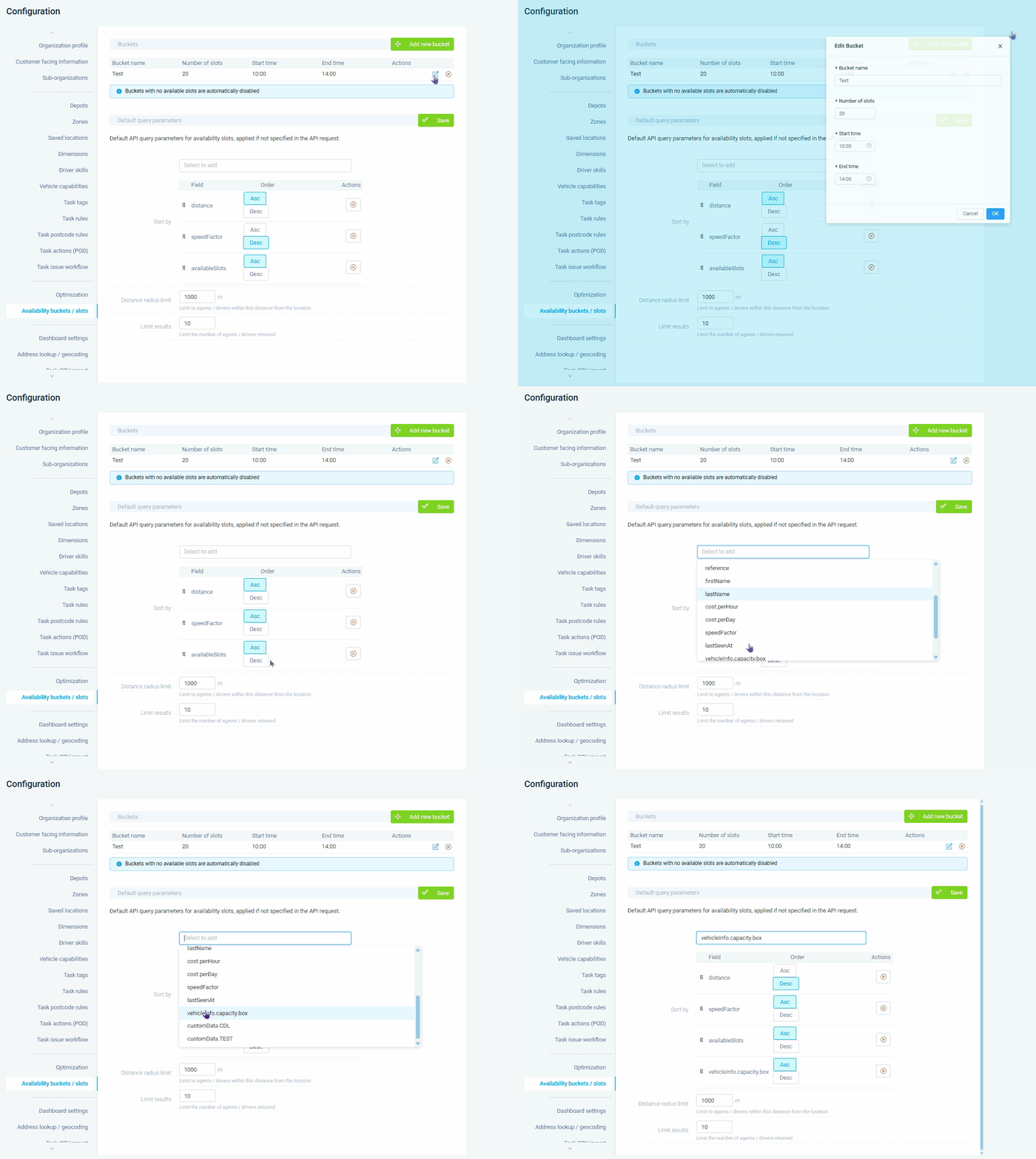 Click to zoom
Parcel and courier operations taking same-day booking requests over the phone need agents to find a delivery window that fits into an already-packed route without adding thirty minutes of backtracking. Food and beverage distributors fielding urgent top-up orders from restaurants can slot the delivery into the nearest compatible vehicle that already passes the area, keeping fuel costs flat. Furniture and appliance retailers coordinating two-man deliveries need call centre staff to see which crew has both the capacity and the time window before they commit to a customer. For any distribution operation where customers phone in to book, reschedule, or add a stop, the Co-Pilot turns every inbound call into a route-efficient decision instead of a scheduling problem.
Pest control and lawn care companies with large call centres booking hundreds of appointments per day need operators to place every job on the most efficient route without manual guesswork. HVAC and plumbing businesses handling emergency callouts can use the panel to find the nearest available technician with the right skills and see exactly how much drive time the callout adds to their day. Facilities management teams rescheduling cancelled inspections need to instantly see which technician in the area can absorb the job with minimal route disruption. Property maintenance companies juggling recurring service plans and ad-hoc requests can track whether operators consistently choose efficient slots or default to customer-preferred windows that fragment routes.
GET STARTED
Book a personalized demo and see how eLogii's 84 features work together to transform your field operations.
