INTEGRATIONS & API
 Click to zoom
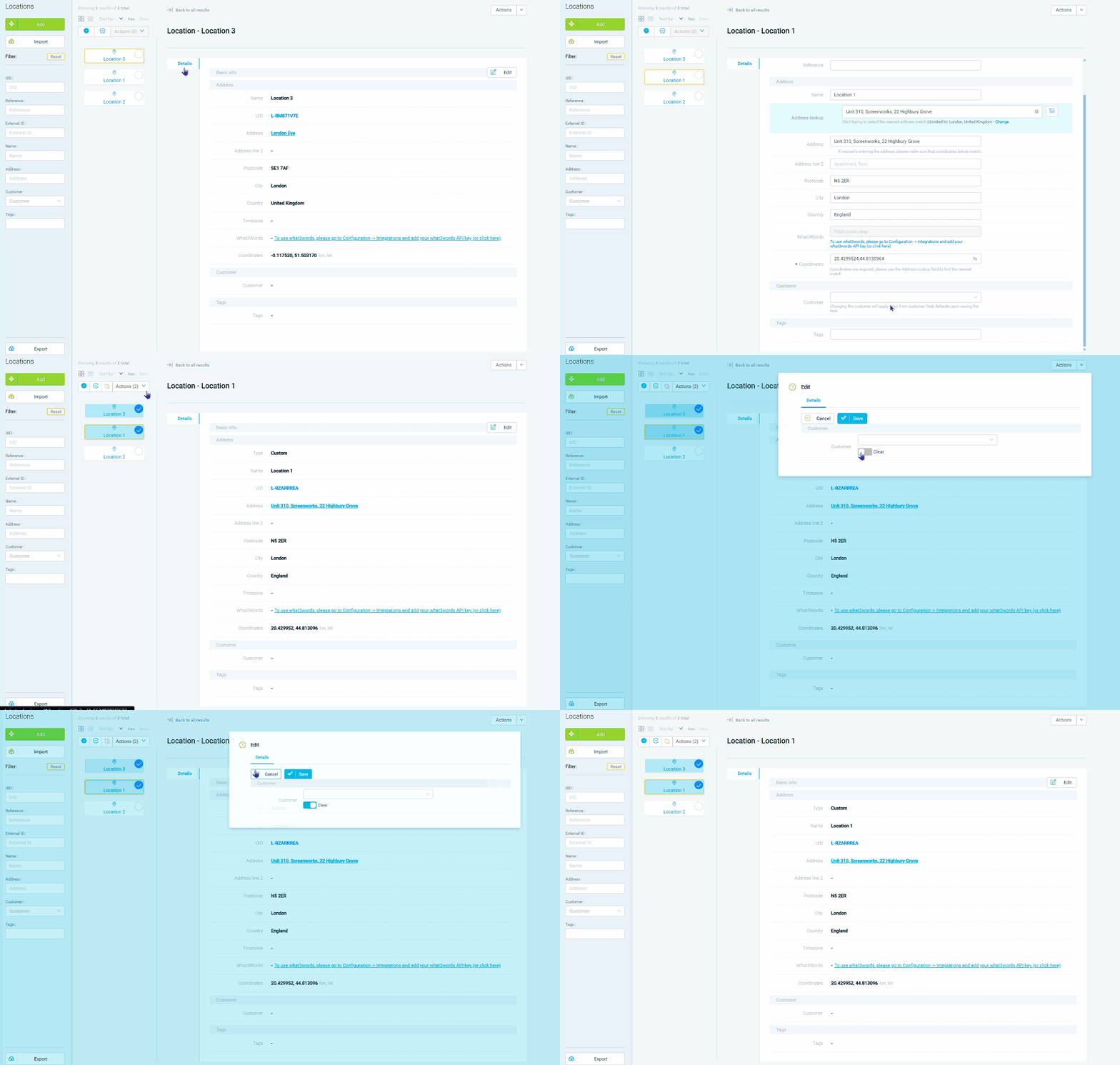
Re-typing a full warehouse address for every delivery is slow and error-prone. Saved locations store your depot, warehouse, and frequent customer addresses with pre-validated geocoding, coordinates, and custom metadata. Create locations manually, via CSV import, or let the driver app capture GPS coordinates on site. Courier operations with hundreds of regular B2B pickup locations can create tasks with quick-search rather than typing full addresses. Grocery distributors serving the same restaurants every week benefit from saved locations with pre-set contact details. For wholesale operators, saved locations can include dock assignment preferences and access instructions that carry forward to every task created at that site.
An HVAC company servicing the same 2,000 commercial buildings repeatedly should not be re-entering addresses and access instructions every time. Saved locations store site details including geocoordinates, notes, contact names, and any custom metadata. Create locations manually on the dashboard, via CSV import matching, or let drivers capture GPS coordinates through the driver app on their first visit. Pest control businesses with recurring inspection sites can attach access instructions to saved locations. Electrical contractors can save meter locations, switchgear access details, and safety procedures per site. For facilities management teams, saved locations carry the full site profile needed for every visit. Quick-search during task creation finds the right location instantly with pre-validated geocoding eliminating address errors.
GET STARTED
Book a personalized demo and see how eLogii's 84 features work together to transform your field operations.
