VISIBILITY & ANALYTICS
 Click to zoom
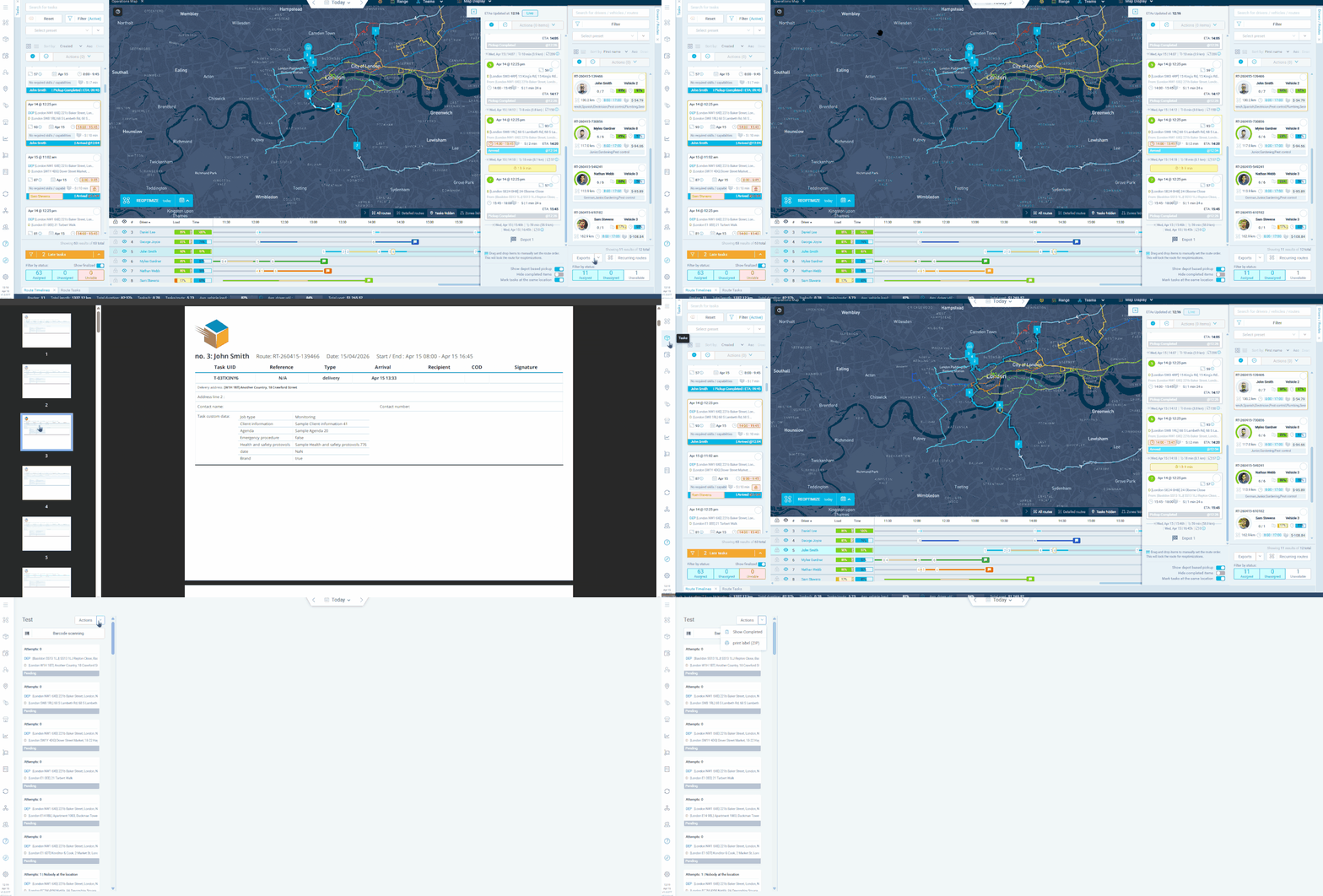
Your warehouse team needs printed references that match the optimised routes. The warehouse operations module gives warehouse workers their own dashboard view where they can manage tasks tied to optimised routes. Workers can right-click any task to print labels for items and tasks directly from the warehouse operations screen. Loading zones and bays can be configured with capacity limits, showing as locked when in use. Route-based workflows let workers process tasks in the sequence that matches the optimised loading order. Courier operations can print labels with barcode references for scan-based loading verification at the dock. Grocery distributors can use the loading order setting to ensure goods are accessible in the correct sequence. For building materials operators, the structured workflow ensures loaders process each route's items systematically.
A technician heading out for the day benefits from printed job labels showing task details for quick reference alongside the app. The warehouse operations view lets back-office staff manage and prepare tasks before drivers collect them. Workers can right-click any task to print labels directly from the screen. Pest control operators can print labels for inspection schedules at sites with poor mobile signal. Electrical contractors can provide printed task labels with job references for environments where mobile phones are not permitted. For facilities management teams, printed labels serve as backup documentation that can accompany equipment or parts. The module supports both route-based workflows, which follow a predefined loading order, and task-based workflows for more flexible processing. Only optimised tasks appear in the warehouse operations view.
GET STARTED
Book a personalized demo and see how eLogii's 84 features work together to transform your field operations.
