PLANNING & SCHEDULING
 Click to zoom
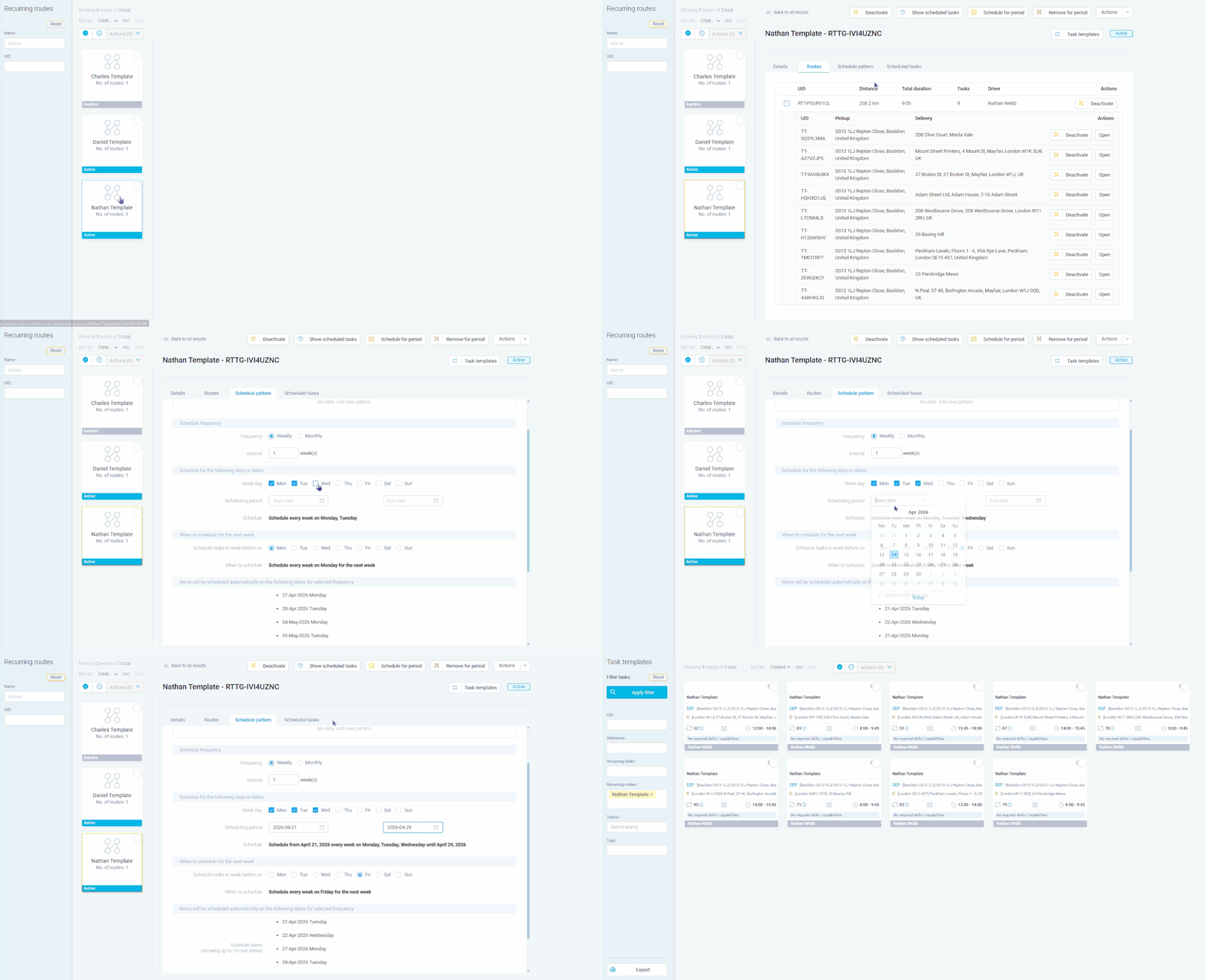
A beverage distributor running the same pub delivery round every Tuesday should not rebuild that route from scratch each week. Select the route from the planning screen, save it as a recurring template, set the schedule pattern to weekly on Tuesdays, and the system generates the planned route automatically each week with all tasks, sequences, and driver assignments preserved. Wholesale food distributors with fixed weekly restaurant drops can set different schedule patterns per route: Monday and Wednesday for central London, Thursday for outer boroughs. Courier operations running regular B2B pickup routes can pause a template when a customer goes on holiday and resume it when they return, without deleting the setup. For building materials distributors with standing orders from construction sites, schedule-for-period lets you bulk-generate routes for an entire quarter in one action.
A pest control company running quarterly inspection rounds across 200 commercial properties can template those routes once and set a monthly schedule pattern that generates them every 12 weeks. Individual tasks within the template can be activated or deactivated for future scheduling without affecting past records. HVAC companies with annual service contracts can template each maintenance round and use the auto-schedule setting to generate next week's tasks on a specific day. Cleaning services with fixed weekly schedules can set recurring patterns for Monday-to-Friday routes and use remove-for-period to skip bank holidays in bulk. For fire safety companies running six-monthly alarm testing circuits, the override workflow lets you update a template with new sites and choose whether to reschedule all future instances or leave existing ones unchanged.
GET STARTED
Book a personalized demo and see how eLogii's 84 features work together to transform your field operations.
