PLANNING & SCHEDULING
 Click to zoom
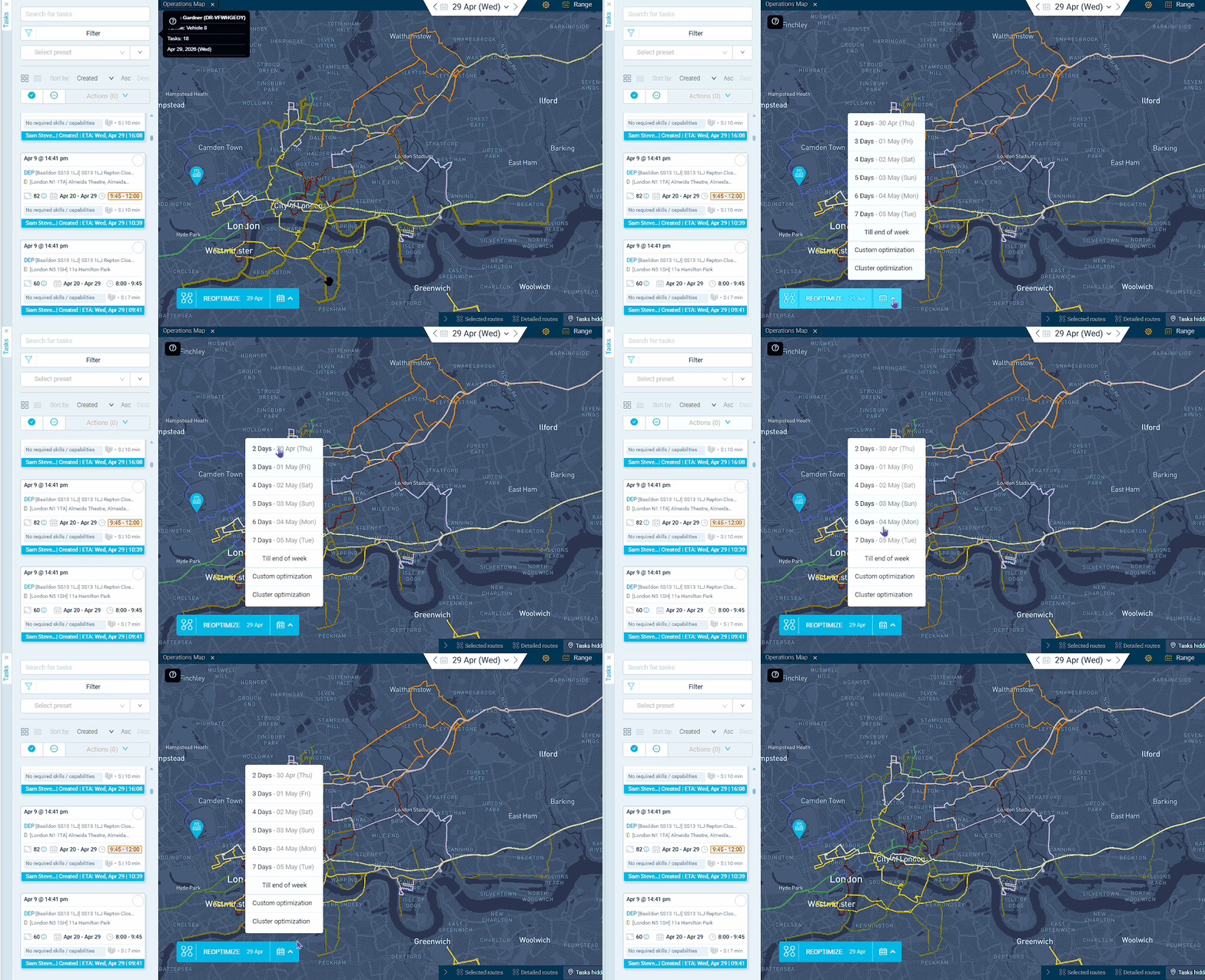
A wholesale distributor shipping from Edinburgh to a customer in London knows the round trip takes 20+ hours, well beyond a single shift. Multiday routes let the driver depart on day one, deliver on day two, and return to depot on day three, all planned as a single route. Building materials operators running long-haul deliveries to remote construction sites can plan two-day outbound runs where the driver stops overnight and continues the next morning. Courier networks handling inter-city trunk routes can assign multiday schedules to trunk drivers while local drivers stay on single-day rounds. For food distributors covering Scotland to the South West, a three-day loop through regional drops avoids forcing impossible single-day distances.
A telecoms engineer deploying equipment to a remote rural area 8 hours from base needs a two-day schedule: travel and install day one, commission and return day two. Multiday route schedules are assigned per driver, and the optimizer plans all days as a single route. HVAC companies sending specialist engineers to distant sites can plan overnight trips where the engineer services multiple sites across the region before returning. Pest control operators covering island or rural territories where day-trips are impractical can assign multiday schedules and the driver app shows the full route across all days. For solar installation teams travelling to remote sites, schedule exceptions can temporarily override the engineer's start location to a hotel or B&B for day two.
GET STARTED
Book a personalized demo and see how eLogii's 84 features work together to transform your field operations.
